
Meet your data where it is
Keep the migration journey practical by connecting the systems teams already rely on.

Choose the moment and next action. Peoplelayer keeps the workflow moving.
Connect spreadsheets, inboxes, messaging channels, forms and external data sources so Peoplelayer can sit closer to the center of operations.
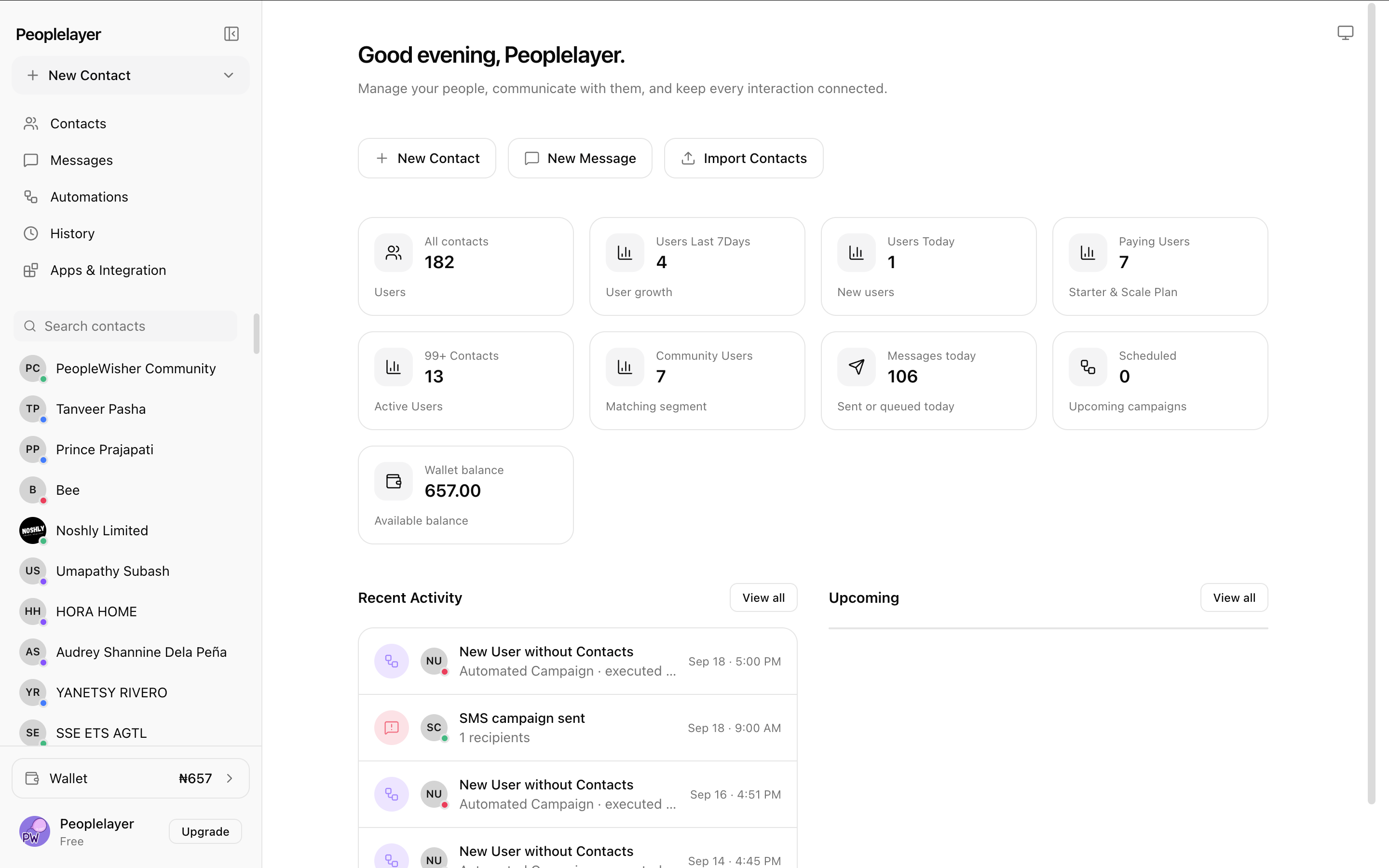
Peoplelayer keeps the feature close to the customer record and the next action it should create.
Keep the migration journey practical by connecting the systems teams already rely on.
Move data between systems instead of re-entering the same information by hand.
Use integrations as building blocks for workflows that fit the business.
Choose a source, channel or application.
Define how the data belongs in Peoplelayer.
Keep records or events moving where needed.
Use connected data to trigger useful work.
Straight answers for teams evaluating Peoplelayer.
Peoplelayer is designed to support spreadsheet-based workflows and connectors as integrations mature.
Yes. External data-source connectivity is part of the platform direction for teams with data outside the CRM.
Peoplelayer is being built with integration and API use cases in mind; availability depends on the specific capability and plan.
Start with the workflow that matters and expand when your team is ready.
Start free →