
Set it once
Turn a repeatable process into a workflow your team can run consistently.

Choose the moment and next action. Peoplelayer keeps the workflow moving.
Build trigger-based workflows that move records, messages and follow-ups forward without relying on memory or manual reminders.
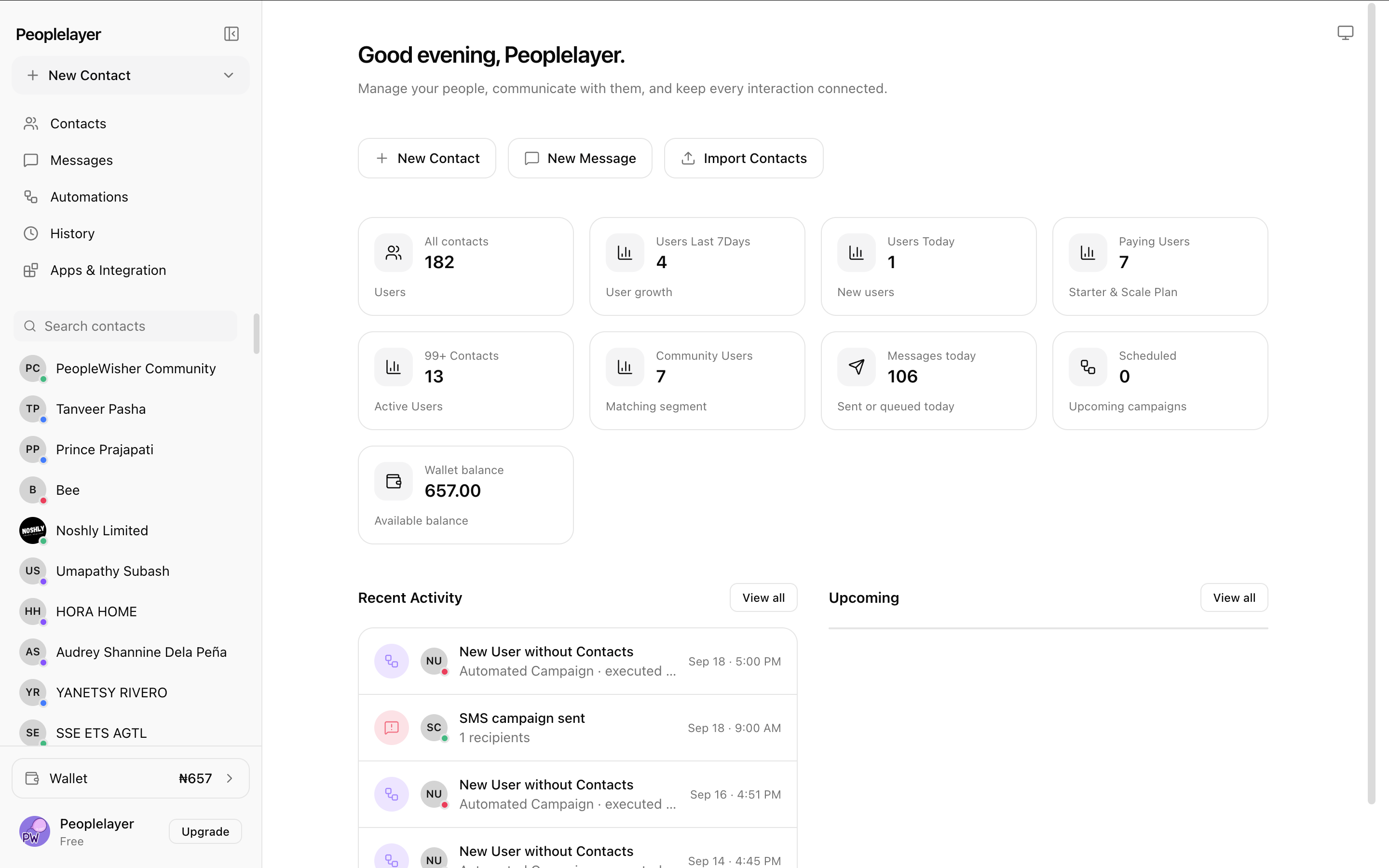
Peoplelayer keeps the feature close to the customer record and the next action it should create.
Turn a repeatable process into a workflow your team can run consistently.
Start workflows from new records, changes, dates, segments and other business signals.
Know which workflows are running, what they did and where a process needs attention.
Choose the event that starts the process.
Apply timing, conditions or routing rules.
Send messages, update data or create the next action.
Move through the workflow until the outcome is reached.
Straight answers for teams evaluating Peoplelayer.
Peoplelayer is designed so teams can build repeatable workflows without writing application code for every process.
Yes. Workflow logic can use timing and conditions to control the next step.
Yes. Messaging can be part of a workflow where the use case and channel support it.
Start with the workflow that matters and expand when your team is ready.
Start free →